
Choose a travel laptop by balancing weight, battery life, and real-world power for your needs.
I have planned, packed, and tested laptops on many trips. I know what matters and what does not. This guide on How to Choose a Travel Laptop walks you through clear choices. You will learn which specs matter, which trade-offs to accept, and how to pick a model that fits your travel style. Read on for hands-on tips, checklists, and real examples from trips I took as a writer and photographer.

Why a travel laptop matters for trips
A travel laptop is not just a smaller laptop. It is a tool that must fit your day, your bag, and your power needs. The right pick saves you time and stress and keeps your work smooth on the road.
Travel work often means long flights, cafes, and tight sockets. A good travel laptop makes those moments easy. I learned this on a week-long trip where a heavy laptop forced me to stop working. After that trip, I focused on light builds and long battery life. This guide will help you avoid my mistakes.

Key factors to consider when choosing a travel laptop
Focus on a few core things. They have the biggest impact on your trip.
- Weight and size — Lighter is better for carry and security checks. Aim for under 3 pounds for easy carry.
- Battery life — Look for real-world 8+ hour battery life. Tests and reviews matter more than spec sheets.
- Performance — Choose the CPU and RAM to match your tasks. Web, documents, and streaming need less power than photo or video editing.
- Screen — Bright screens help in sun. Matte screens reduce glare. A 13- to 14-inch screen balances usability and weight.
- Build and durability — A metal case or reinforced frame lasts longer on planes and buses.
- Ports and connectivity — Thunderbolt, USB-A, HDMI, and a microSD slot solve many needs on the road.
- Repairability and warranty — Quick service or easy swaps make travel less risky.
How to Choose a Travel Laptop starts with these core points. They guide most decisions.
Performance choices: CPU, RAM, and storage
Match power to your work. Too much power wastes battery. Too little frustrates you.
- CPU — For basic travel use, pick an efficient modern chip. For heavy editing, choose a faster CPU with good thermal design.
- RAM — 8 GB is fine for browsing and office apps. 16 GB is a safer pick for multitaskers and light editors.
- Storage — SSDs are essential. 256 GB is a starting point. 512 GB or external drives work better for media.
- GPU — Most travelers do not need a strong GPU. Choose one only if you edit video or play games.
From my trips, a well-tuned 8-core efficient CPU with 16 GB RAM gave me the best balance of speed and battery for photo-editing on the go. How to Choose a Travel Laptop often comes down to this balance.
 clamshell, 2-in-1, or tablet”
style=”max-width: 100%; height: auto; border: 2px solid black; border-radius: 10px; display: block; margin: 0 auto;”
loading=”lazy”
/>
Form factor: clamshell, 2-in-1, or tablet
Pick a form that fits your routine.
- Clamshell laptops — Traditional and often lighter. Great for typing and long work sessions.
- 2-in-1s — Offer touch and tablet modes. Good for note-taking and sketching. They can be slightly heavier.
- Tablets with keyboards — Ultra-portable. Best for reading, light web work, and long battery life.
I take a clamshell on trips focused on writing. I take a 2-in-1 when I expect to sketch or show clients photos. Your use case guides the choice. How to Choose a Travel Laptop is about matching that use case to form.
Battery and charging: what matters in the real world
Specs can mislead. Real tests show how long a laptop lasts with real tasks.
- Look for 8–12 hours of real use for day trips. If you fly a lot, 12+ hours is ideal.
- Check charging speed. Fast charging can give hours of use in 30 minutes.
- Consider charging via USB-C. It reduces the need for bulky chargers.
- Bring a compact power bank that supports laptop charging for long days.
On one long travel day, a laptop with quick charge and USB-C saved me when outlets were scarce. That experience taught me to value fast charging. How to Choose a Travel Laptop must weigh battery life and charging type.

Durability, security, and repairability
Travel adds drops, bumps, and spills. Build quality matters.
- Materials — Aluminum or magnesium frames resist dents. Plastic can be fine if well-built.
- Keyboard and hinge — Test for flex. Hinges should feel firm.
- Security features — Fingerprint sensors and TPM chips add safety on public Wi-Fi.
- Repairability — Easy access to SSD and RAM extends lifespan. Check service guides or reviews.
I once had a cracked hinge on a cheap laptop mid-trip. Repairs were slow and costly. I now favor models with good service networks. How to Choose a Travel Laptop should include service options.

Connectivity and ports
Ports solve daily problems. Don’t rely only on hubs unless you must.
- Essential ports — One or two USB-C/Thunderbolt, at least one USB-A, and an HDMI or adapter option.
- SD or microSD card slot — Crucial for photographers and videographers.
- Wireless — Wi‑Fi 6 and Bluetooth 5+ are future-friendly and faster in busy spots.
- SIM or eSIM — Built-in cellular helps when Wi-Fi is poor.
When I traveled with camera gear, a card slot saved me time. That small feature can change how you work. How to Choose a Travel Laptop must include port checks.

Pick by traveler type: examples and recommendations
Match the laptop to how you travel and work.
- The light commuter — Prioritize weight and battery. Choose a 13-inch ultrabook under 3 pounds.
- The creative traveler — Prioritize CPU and storage. Choose 16 GB RAM and fast SSD with a color-accurate screen.
- The business traveler — Prioritize security, keyboard, and service. Look for enterprise-grade security and long warranties.
- The student or casual user — Prioritize price and battery. 8 GB RAM and 256 GB SSD can be enough.
I have switched from heavy models to a mid-range ultrabook when I started taking short city trips. That change cut my bag weight in half. Use these match-ups when you ask How to Choose a Travel Laptop.
Accessories and packing tips
The right extras make travel smoother.
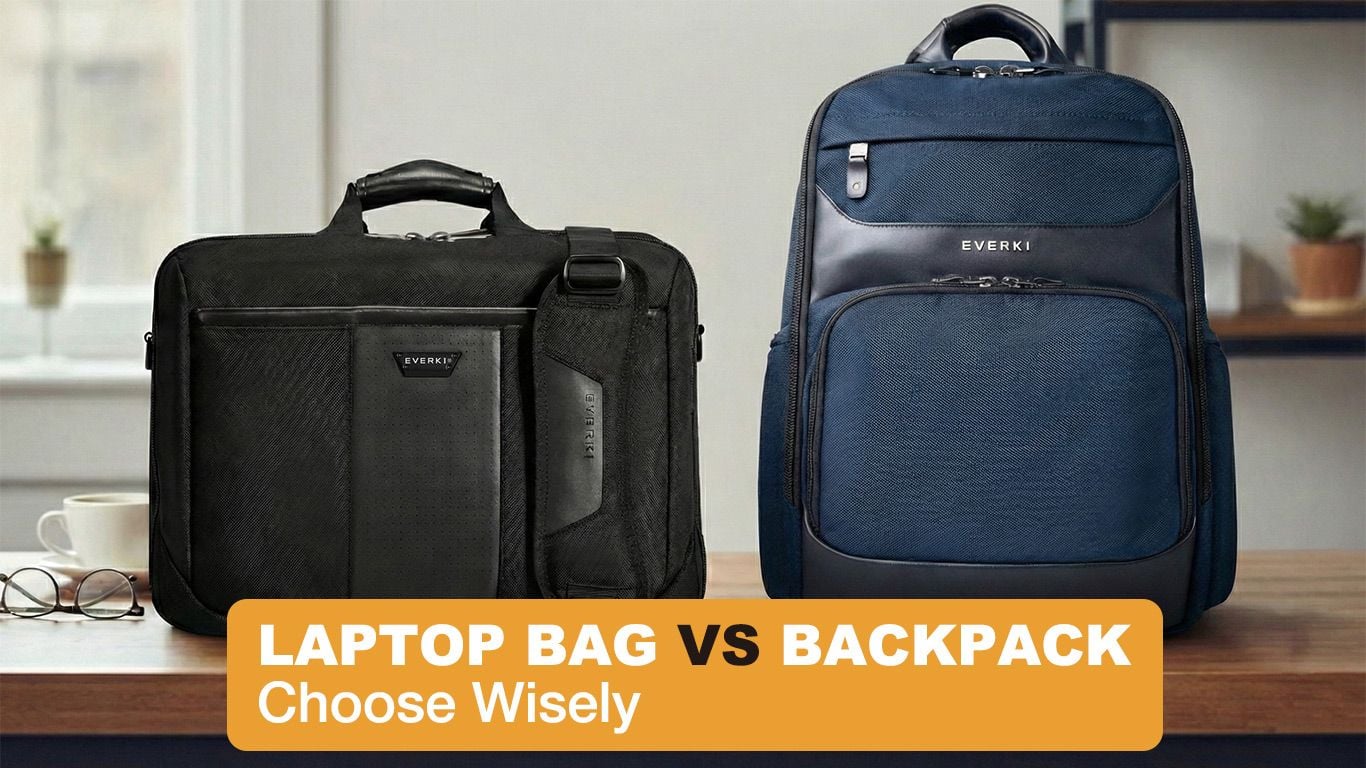
- Compact charger or multiport charger to save space.
- Sleeve or protective case for drops and spills.
- Cable organizer to keep cords tidy.
- Portable drive or cloud backup for photos and files.
- Screen protector to avoid scratches.
I always pack a thin sleeve and a small USB-C hub. These saved me in tight workspaces and airports. Small items make a big difference when traveling.
Budgeting and value: how to decide what to spend
Set a budget that fits the device life you want.
- Under $700 — Good for students and light users. Expect trade-offs in power and screen.
- $700–$1,200 — Sweet spot for most travelers. Balanced power, battery, and build.
- $1,200+ — Best for creatives who need power and a top screen.
Buy a model with a longer warranty if you travel often. Spending a bit more now can save time and stress later. How to Choose a Travel Laptop means investing where it matters most to you.
My checklist for buying a travel laptop
Use this short checklist when you shop.
- Test weight and size in person if possible.
- Check real-world battery tests or user reviews.
- Confirm port set meets your needs.
- Ensure at least 8 GB RAM, 256 GB SSD as a base.
- Verify repair options and warranty.
I follow this checklist before every purchase. It has helped me choose durable and easy-to-carry laptops for many trips. Keep it handy when you shop.
Frequently Asked Questions of How to Choose a Travel Laptop
What size laptop is best for travel?
For most travelers, 13- to 14-inch laptops hit the sweet spot. They balance screen space and weight well.
How much battery life do I need for travel?
Aim for at least 8 hours of real-world use for a full day. For long flights, 12+ hours is safer.
Is weight more important than performance?
Weight matters for comfort, but match performance to your tasks. Choose lighter models for light work and stronger models for heavy editing.
Should I choose a USB-C charger?
Yes. USB-C is convenient and often faster. It also reduces the need for bulky chargers.
Do I need a rugged laptop for travel?
Not always. Durable build and a good case are usually enough. Pick a rugged model only if you do rough outdoor travel.
Conclusion
You can choose a travel laptop that fits your trips and your work. Focus on weight, battery, and the features you use most. Test models when you can, read real-world reviews, and follow a simple checklist. Start by listing your nonnegotiables, then find a model that meets them. Take action: try a demo in store or filter online by battery life and weight, and pick a laptop that makes travel simpler. Share your needs or ask questions below to get tailored advice.