Last Updated on August 24, 2026
GPS devices guide: Plan, set up, download maps, and follow simple steps for safe navigation.
I have spent years testing GPS devices and using them on road trips, hikes, and city visits. This article explains how to use GPS devices while traveling, step by step. You will learn how to pick the right GPS devices, set them up, use offline maps, save battery, and handle common problems. Read on for clear, tested tips you can use on your next trip.

Why use GPS devices when traveling
GPS devices give clear location data and route guidance. They let you find places fast and reduce stress when you travel.
Using GPS devices helps with time, safety, and planning. You can avoid getting lost, find the best route, and find services like gas, food, or lodgings. For hikes and remote drives, GPS devices can save lives by guiding you back to trails or roads.
I prefer a mix of standalone GPS devices and smartphone apps. Each has pros and cons. I will show when to use each kind so you can choose what fits your trip.

Types of GPS devices and when to use them
There are a few common device types. Pick the one that fits your trip.
- Smartphone apps
- Pros: easy, always with you, frequent map updates.
- Cons: battery use, cell signal reliance unless offline maps are loaded.
- Dedicated car GPS units
- Pros: larger screens, stable mounts, built-in routing.
- Cons: one more gadget to carry.
- Handheld outdoor GPS devices
- Pros: rugged, long battery life, good for hiking.
- Cons: higher cost, steeper learning curve.
- Wearable GPS and trackers
- Pros: great for safety and live location sharing.
- Cons: limited map interface.
I often use a phone for city trips and a handheld GPS for backcountry hikes. That combo gave me fast directions in town and reliable location data off the grid.
:max_bytes(150000):strip_icc()/tal-knog-scout-travel-smart-luggage-tag-taylor-fox-10-1-5b0c4a7395b64a5597bd659a7bc3d79d.jpeg)
How to set up a GPS device before travel
Preparation reduces stress when you travel. Do these steps before you leave.
- Update firmware or app
- Check for software updates on your GPS devices.
- Install updates to fix bugs and add maps.
- Download maps for offline use
- Save maps for regions with poor signal.
- Verify map files open correctly on your device.
- Test routes and POIs
- Enter important addresses and save them as favorites.
- Test a sample route to ensure voice and directions work.
- Configure settings
- Enable voice guidance and daytime/nighttime map themes.
- Set units (miles or kilometers) and preferred route types.
- Backup and sync
- Sync saved locations with cloud or external storage.
- Export waypoints if your device supports it.
I once missed an important offline map on a road trip. I learned to always download maps and test them. That small step saved hours on a rainy day.

Practical tips for using GPS devices while traveling
Small habits make GPS devices more useful. Try these tips.
- Use two navigation sources
- Keep a phone and a backup GPS device or paper map.
- Save key locations early
- Mark hotels, parking, and meeting spots before arrival.
- Learn simple controls
- Know how to mute voice, reroute, and zoom quickly.
- Watch for local rules
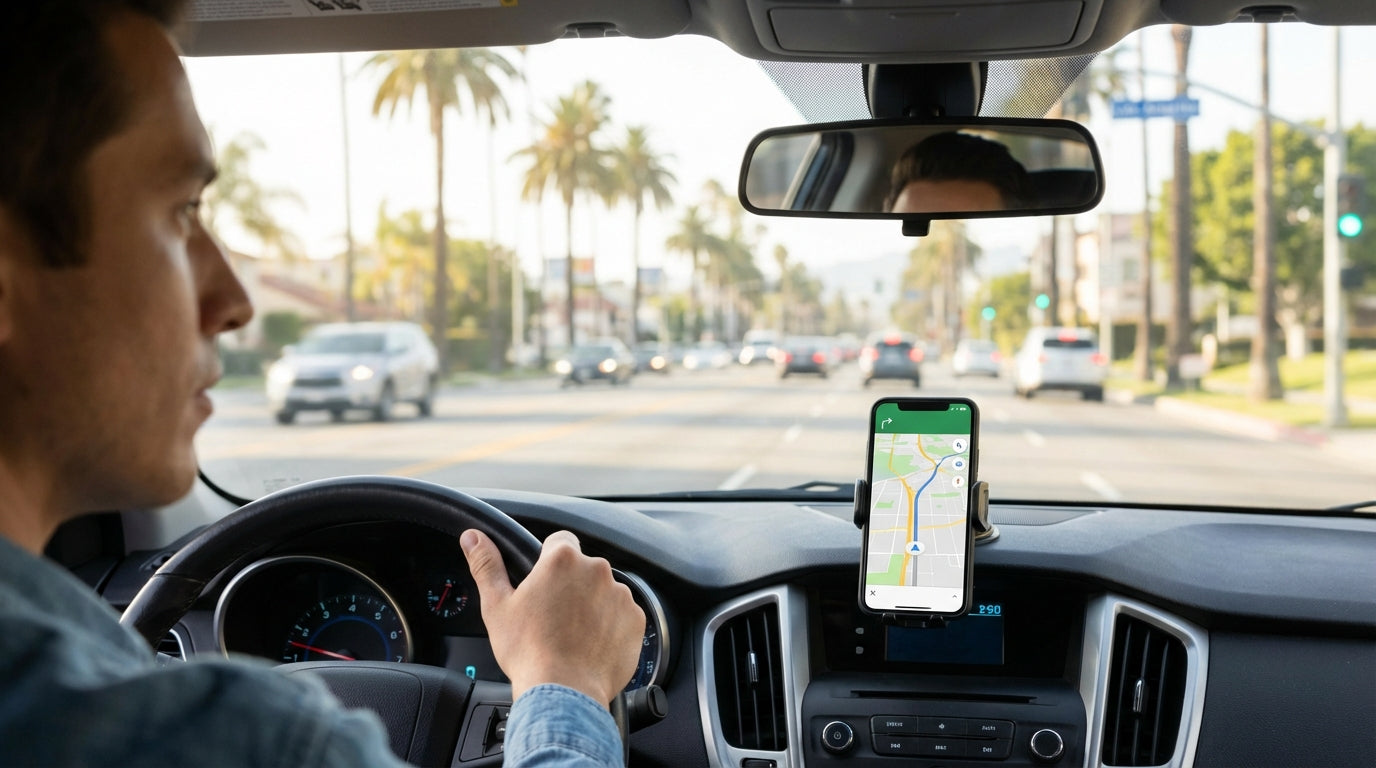
- Some places limit phone use while driving. Use a mounted GPS device.
- Moderate auto reroutes
- Let the device recalculate but watch for odd detours.
- Use voice commands if available
- They help when you cannot touch the screen.
From my trips, using both phone maps and a dedicated GPS device cut wrong turns by half. It also lowered stress on busy roads.
Using GPS devices offline and map management
Offline maps are vital when cell service is weak. Here’s how to manage them.
- Choose maps that support offline use
- Confirm your GPS devices or app allow downloads.
- Download full regions
- Save neighboring areas to avoid edge errors.
- Check disk space
- Maps can be large. Free up storage if needed.
- Update maps when possible
- Update before long trips to have the latest roads and points.
- Use external storage when supported
- Move map packs to an SD card if your device allows it.
On a four-day hike, offline maps on a handheld GPS kept me on trail when my phone lost signal. Learn to load and test offline maps well before you go.

Safety, privacy, and battery tips for GPS devices
GPS devices can drain power and share location. Protect both battery and privacy.
- Save power
- Lower screen brightness and use power-saving modes.
- Carry a power bank or spare batteries for handheld devices.
- Keep location private
- Turn off live-sharing when not needed.
- Review app permissions and disable unnecessary tracking.
- Secure your devices
- Use strong locks or passcodes on phones and GPS units.
- Emergency use
- Program emergency contacts and enable location sharing only for rescue situations.
Once, a drained phone left us without maps. Now I pack a small power bank and a car charger. That habit has kept GPS devices working on long drives.
Troubleshooting common GPS devices issues
If something goes wrong, try these fixes first.
- No signal or poor accuracy
- Move to open space and allow a few minutes for a fix.
- Restart the device and ensure location services are on.
- Wrong route or missing roads
- Update maps and device firmware.
- Check map region files for completeness.
- Voice prompts not working
- Check volume, mute, and voice guidance settings.
- Battery drains fast
- Close background apps, lower brightness, and use airplane mode if safe.
- App crashes or freezes
- Clear app cache, reinstall the app, or reset the device as a last step.
These quick steps fixed most issues I met on trips. If a problem persists, contact device support or consult user forums for device-specific advice.
Best practices for sharing location with others
Sharing your location can help friends or family find you. Do it safely.
- Use trusted apps
- Select apps with end-to-end encryption when possible.
- Limit share time
- Turn off sharing after the event or trip.
- Share a snapshot
- Send a screenshot of your map rather than continuous sharing when appropriate.
- Send clear updates
- Include ETA and planned stops for clarity.
I share my live location with one contact on long solo drives. It gives peace of mind without constant messages.
GPS devices and international travel: what to know
Traveling abroad needs extra care. Follow these steps to keep GPS devices useful.
- Check map coverage
- Ensure your GPS devices have maps for the countries you visit.
- Download local maps and language packs
- This helps with place names and navigation cues.
- Know local navigation rules
- Road signs and driving rules vary by country.
- Use offline maps to avoid roaming charges
- Download maps before crossing borders to save cost and data.
On a trip through several countries, offline maps and local road rules made navigation smooth. Always check maps and settings before border crossings.
Frequently Asked Questions of How to Use GPS Devices While Traveling
How do I use a GPS device without mobile data?
Download offline maps and save routes in your GPS devices before travel. Many apps and standalone units work without cell service.
Can GPS devices work in remote areas?
Yes. Handheld GPS devices with good satellite reception work well in remote areas. Bring spare power and download offline maps for the best results.
How accurate are GPS devices for location?
Most GPS devices are accurate within a few meters in open sky. Accuracy drops in dense cities, forests, or deep canyons.
Should I trust GPS devices for route planning?
Use GPS devices as a primary tool but cross-check with local signs or maps. They are reliable, but local conditions may require judgment.
How can I save battery when using GPS devices?
Lower screen brightness, close apps, use power banks, and carry spare batteries for handheld GPS devices to extend use time.
Will GPS devices drain my phone fast?
Yes, navigation apps use GPS and screen time, which drain battery. Use power-saving steps and a charger for long trips.
What if my GPS device gives wrong directions?
Update maps and firmware, check settings, and try recalculating the route. If errors persist, report map mistakes and use an alternate source.
Conclusion
Using GPS devices while traveling makes navigation easier and safer. Pick the right device for your trip, download maps in advance, test settings, and carry backup power. Use privacy and battery tips to stay secure and prepared. Try one change from this guide on your next trip—download offline maps or pack a power bank—and see how much smoother your journey feels. Share your travel story or ask a question in the comments to keep the conversation going.