Last Updated on August 24, 2026
Use strong passwords, a VPN, and encrypted backups to protect data while traveling.
I’ve spent years securing devices for work and long trips. I know common threats and simple fixes that work. This guide on How to Secure Your Digital Data While Traveling walks you through planning, tools, and habits that cut risk. Read on for clear steps, real examples, and easy checklists you can use on your next trip.

Understand the risks before you travel
Travel changes your threat surface. Public Wi-Fi is easy prey for snoops. Airports, cafes, and hotels often host weak or fake networks that steal data. Knowing risks helps you choose practical defenses and reduce stress while traveling.

Pre-trip checklist: prepare devices and accounts
Prepare before you leave to limit damage if a device is lost or stolen. Update operating systems and apps. Remove unneeded accounts and data, and back up important files to encrypted storage. Set up remote wipe and recovery tools for phones and laptops so you can act fast if something goes wrong.
- Enable automatic OS and app updates. Keep patches current.
- Turn on Find My Device and remote wipe features on phones and laptops.
- Back up to encrypted cloud or local encrypted drives before departure.
- Remove sensitive files you don't need while on the trip.

On-the-road habits that protect your data
Small habits add up to big security. Lock screens whenever you walk away. Avoid using the same device for banking on public Wi-Fi. Use privacy screens in crowded places to prevent shoulder surfing. Stay calm and follow a routine to reduce mistakes.
- Lock devices after short idle times.
- Use a dedicated travel device or separate user account for public tasks.
- Keep device Bluetooth off unless needed to avoid pairing attacks.
- Verify Wi‑Fi network names with staff before connecting.

Wi‑Fi, VPNs, and safe networking
Public networks are a top threat. Never assume a Wi‑Fi network is safe. Use a trusted VPN to encrypt traffic and prevent eavesdropping. Prefer mobile data for sensitive tasks when possible. If you must use hotel or airport Wi‑Fi, restrict activity to low-risk browsing.
- Always connect to a reputable VPN before sending logins or payments.
- Use cellular tethering for banking or sensitive transactions.
- Avoid captive portals that request too many permissions.
- Turn off automatic Wi‑Fi connections to prevent joining unknown networks.
Devices, backups, and encryption
Encryption makes stolen data unreadable. Enable full-disk encryption on laptops and file-level encryption for backups. Keep multiple backups and test restores before you travel. If a device is lost, encryption buys time to recover or reset credentials.
- Turn on full-disk encryption on laptops and mobile encryption on phones.
- Use encrypted cloud backups or encrypted external drives.
- Test backup restores at home to confirm your files are accessible.
- Keep backup keys or passwords in a secure password manager.
Passwords, authentication, and account hygiene
Strong passwords and multi-factor authentication (MFA) block casual account takeover. Use a password manager to create and store unique passwords. Use hardware security keys when possible for the best MFA protection. Rotate or revoke credentials after suspicious events.
- Use a reputable password manager for unique, strong passwords.
- Enable two-factor authentication on all important accounts.
- Prefer hardware keys for high-value accounts like email and banking.
- Revoke session tokens and log out of public devices after use.
Apps, browsers, and safe browsing
Apps can leak data. Keep apps minimal and choose those with clear privacy policies. Update browsers and use privacy-focused settings and extensions sparingly. Close browser tabs with active logins and clear cookies regularly.
- Audit apps and remove ones you don’t need on the trip.
- Use browser privacy features and block third-party trackers.
- Avoid installing random apps on public or borrowed devices.
- Log out of sites and clear sensitive browsing data when done.
Physical security and travel gear
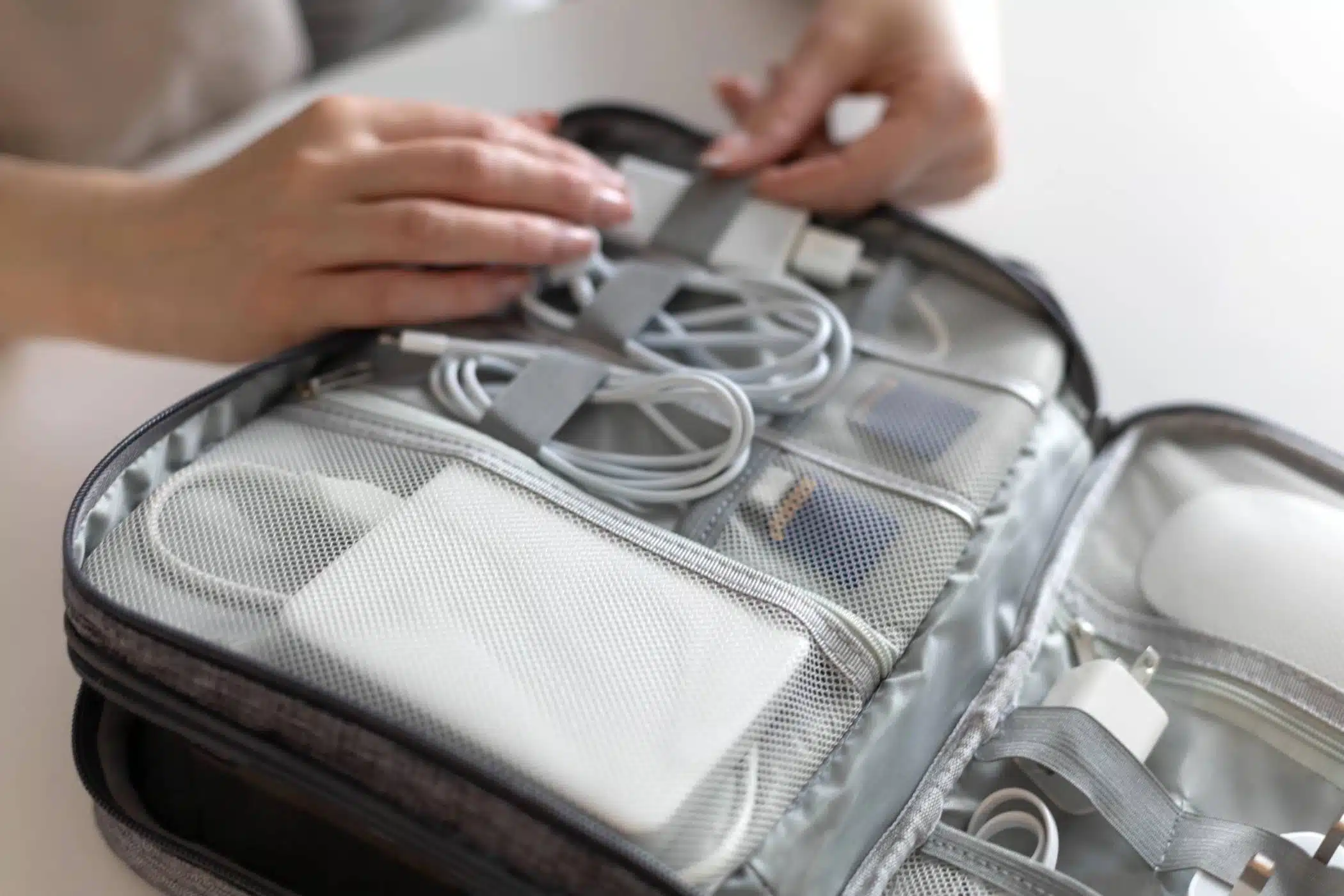
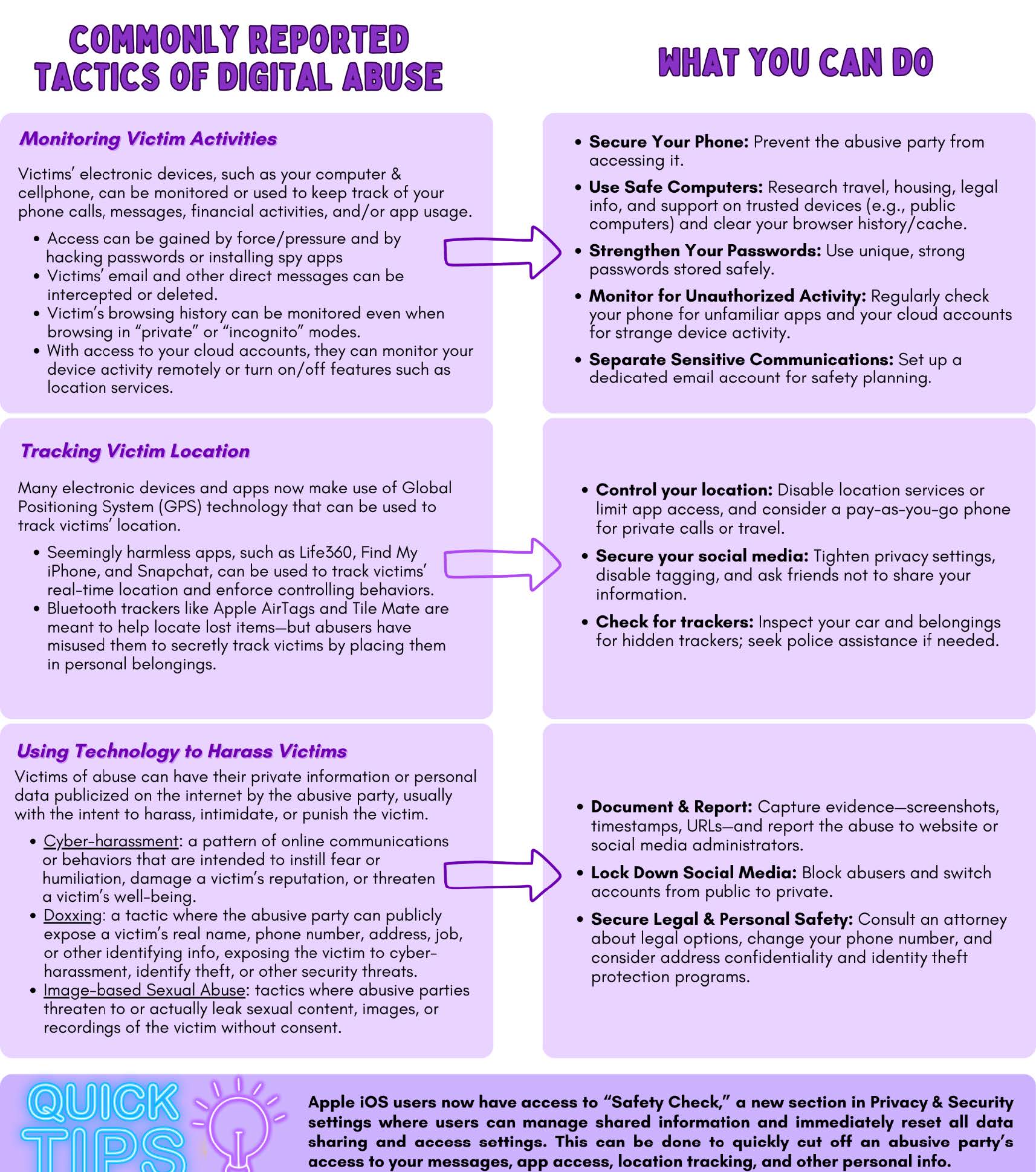
Physical protection is part of digital safety. Keep devices on your person or locked in secure luggage. Use cable locks for laptops in hotel rooms. Consider travel gear that hides or secures devices at a glance. I once stopped a bag theft by keeping my laptop in a slim carry pouch under my jacket. That small move saved weeks of work.
- Keep devices close and in sight whenever possible.
- Use hotel safes for backup drives and spare documents.
- Carry a privacy screen for phones and laptops in public areas.
- Consider TSA‑compliant locks and a cable lock for long stops.

Quick questions travelers ask (PAA-style)
What if I must use hotel Wi‑Fi for work? Use a VPN and avoid sensitive logins. Prefer tethering if you can, and confirm the exact SSID with hotel staff.
Can I rely on cloud backups while traveling? Yes, but ensure backups are encrypted and you have a tested restore plan. Keep an offline backup for worst-case scenarios.
How quickly should I react to a stolen device? Act immediately: change passwords, trigger remote wipe, and inform your provider. The faster you act, the less chance of data misuse.
Frequently Asked Questions of How to Secure Your Digital Data While Traveling
What is the first thing I should do to secure my data before traveling?
Update devices, back up important files, and enable Find My Device or remote wipe. Set strong passwords and prepare recovery options.
Is using public Wi‑Fi safe with a VPN?
A VPN greatly reduces risk by encrypting your traffic but choose a reputable provider. Always avoid entering sensitive info on public networks if possible.
How can I protect photos and documents on my phone?
Use device encryption and encrypted cloud backups. Remove unnecessary sensitive files before you travel.
What should I do if my phone is stolen while traveling?
Immediately use remote wipe if available, change passwords, and contact your carrier. Notify banks and monitor accounts for suspicious activity.
Are hotel business centers safe for checking email or bank accounts?
Treat them as insecure. Use your own device, a VPN, and log out when finished. Avoid entering passwords on shared machines.
Conclusion
Travel should be freeing, not risky. Use simple defenses like strong passwords, a VPN, encrypted backups, and sensible habits to protect your data on the road. Start with the pre-trip checklist, stay mindful while traveling, and practice quick recovery steps if something goes wrong. Take one small step today: enable encryption, set a strong password, or install a trusted VPN before your next trip. If this helped, try these steps on your next journey and share your experience or questions below.