Last Updated on April 21, 2026 by Ethan Miles
Imagine stepping away from constant notifications and endless scrolling. How would it feel to truly disconnect while you travel?
Traveling without Wi-Fi might sound challenging, but it can open up a whole new world of experiences for you. You’ll discover simple, practical tips to stay connected with your surroundings—not your screen. Ready to see how freeing your trip can be without relying on Wi-Fi?
Keep reading to find out how you can make the most of every moment on your next adventure.

Credit: gstarlink.com
Plan Before You Go
Traveling without Wi-Fi requires some smart preparation to keep your trip smooth and enjoyable. Planning before you go can save you from frustrating moments where you can’t access important information or entertainment. Taking simple steps ahead of time ensures you stay connected to what matters, even offline.
Download Offline Maps
Having maps on your phone without needing internet is a game-changer. Apps like Google Maps and Maps.me let you download entire regions or cities. This way, you can navigate streets, find attractions, and locate restaurants without worrying about losing signal.
Try downloading maps of your travel area before leaving your hotel or home. It’s a small step that can prevent big headaches later. Have you ever been lost in a new city, searching desperately for directions? This simple trick avoids that completely.
Save Important Documents
Keep digital copies of your passport, visa, travel insurance, and booking confirmations saved on your device. Storing them in a secure folder or an app like Google Drive or Dropbox means you can access them anytime, even offline.
Print hard copies as a backup in case your device runs out of battery or malfunctions. It’s surprising how often these documents come in handy unexpectedly, such as during hotel check-ins or emergencies.
Prepare Entertainment Options
Without Wi-Fi, streaming movies or browsing social media isn’t possible, so plan your entertainment ahead. Download movies, TV shows, podcasts, or eBooks to enjoy during long flights, train rides, or downtime.
Mix up your options to avoid boredom. I once downloaded several podcasts and an audiobook before a trip and found myself completely entertained during a long bus ride through remote areas. What will you choose to keep yourself entertained when offline?
Use Offline Communication Tools
Traveling without Wi-Fi can feel challenging, but offline communication tools keep you connected. These tools work without internet access, helping you talk, understand languages, and stay safe. Preparing these tools before your trip makes your journey smoother.
Offline Messaging Apps
Offline messaging apps let you send texts without internet. They use Bluetooth or Wi-Fi Direct to connect phones nearby. Great for group chats or sharing quick updates with travel companions. Examples include Bridgefy and FireChat. Download and set up these apps before your trip.
Preloaded Language Guides
Language guides help you communicate in places where you don’t speak the language. Download phrasebooks and translation apps that work offline. Useful for asking directions, ordering food, or shopping. Apps like Google Translate allow you to save languages for offline use. Carry a small physical phrasebook as backup.
Emergency Contacts Setup
Set up emergency contacts before leaving home. Save numbers in your phone and write them down on paper. Include local emergency services and contacts in your home country. Share these contacts with your travel group. Make sure everyone knows how to reach help without internet.
Maximize Connectivity Without Wi-fi
Staying connected without Wi-Fi is possible with a few smart choices. Using mobile data carefully, finding public hotspots, and getting local SIM cards can keep you online during travel. These options help you save money and maintain access to maps, messages, and travel tips.
Utilize Mobile Data Wisely
Mobile data can work well but needs smart use. Turn off background apps to save data. Use data-saving modes in browsers and apps. Download maps and guides before your trip. Set app updates to happen only on Wi-Fi. Monitor your data use daily to avoid surprises.
Find Public Hotspots
Public hotspots offer free or low-cost internet. Check cafes, libraries, and airports for available Wi-Fi. Use these spots for heavy downloads or updates. Avoid sharing sensitive info on public networks. Use a VPN for extra security when possible. Plan your day around hotspot locations.
Leverage Local Sim Cards
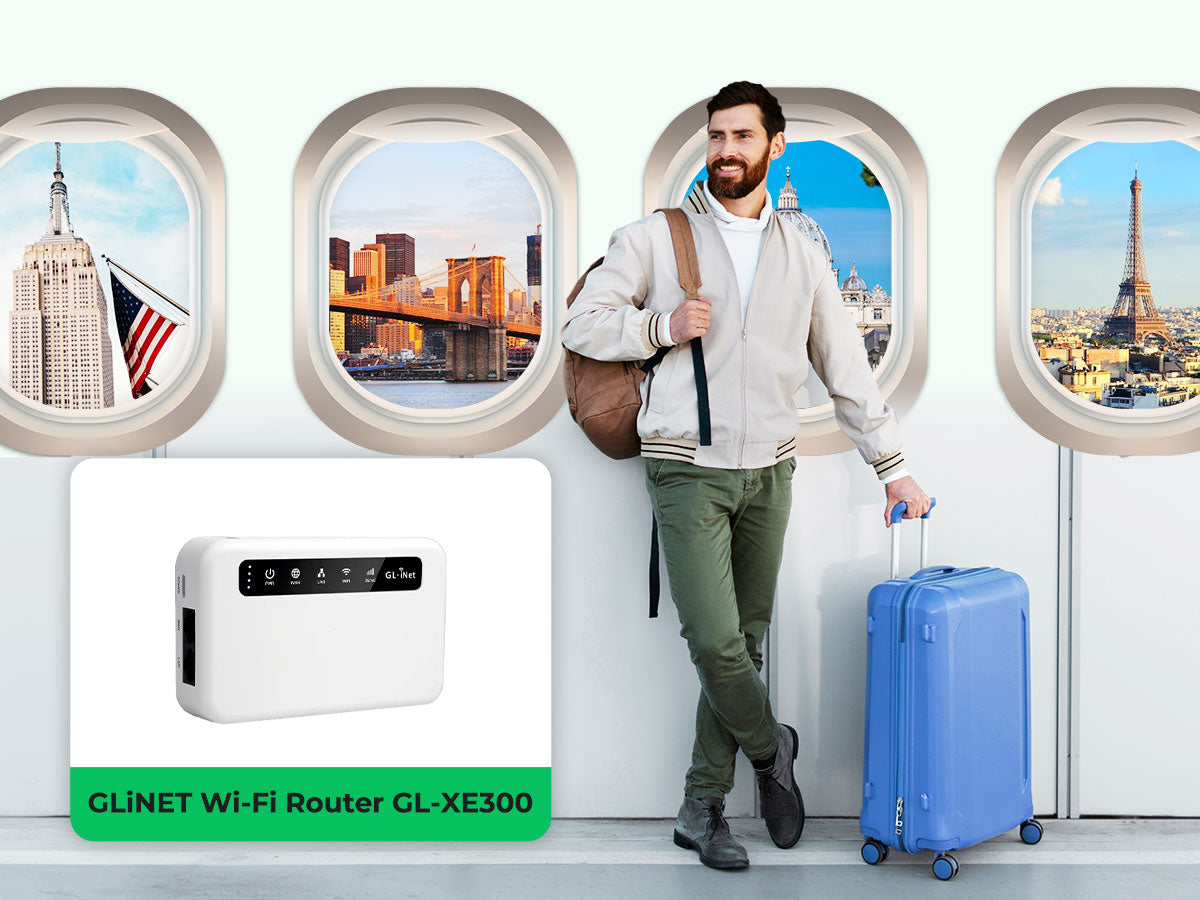
Local SIM cards provide affordable data and calls. Buy one at the airport or local shops. Choose a SIM with a good data plan for your stay. Insert the SIM into an unlocked phone. Keep your original SIM safe for later. Using a local SIM helps avoid roaming fees and improves connection speed.
Credit: www.eiotclub.com

Credit: karryon.com.au
Frequently Asked Questions
How Can I Navigate Without Wi-fi During Travel?
Use offline maps and download routes before your trip. Paper maps also help in remote areas.
What Are The Best Ways To Stay Entertained Offline?
Carry books, download movies, podcasts, or games that work without internet.
How To Communicate Without Wi-fi While Traveling Abroad?
Buy a local SIM card with data or use SMS and phone calls.
What Tools Help Plan Trips Without Internet Access?
Use travel apps with offline modes and save important info on your device.
How To Find Information About Places Without Wi-fi?
Prepare by downloading guides or use local tourist centers for maps and advice.
Conclusion
Traveling without Wi-Fi can be freeing and fun. Explore new places. Connect with people around you. Enjoy the present moment fully. Offline maps and guides can help navigate. Capture memories without online distractions. Read a book or journal your journey.
Engage with local cultures and stories. Embrace the adventure of being disconnected. Relish the simplicity and peace it brings. Traveling this way builds unique experiences. It’s a refreshing change from the digital world. Try it on your next trip and see the difference.
Enjoy every moment, offline and unplugged. Safe travels and happy exploring!